 Girl!
 Happy Birthday Joey!
 You may or may not remember, but at some point in the last year you wished to be able to run the classic Barbie CD-ROM games on your laptop. My goal with this page was to give you the power to do that.
It should be technically possible, but since Apple has fundamentally changed how their computers work in recent years, it unfortunately means that newer laptops actually have a harder time emulating the old classic games. Nonetheless, I thought it would be worth a try, so here are some instructions that may or may not work out.
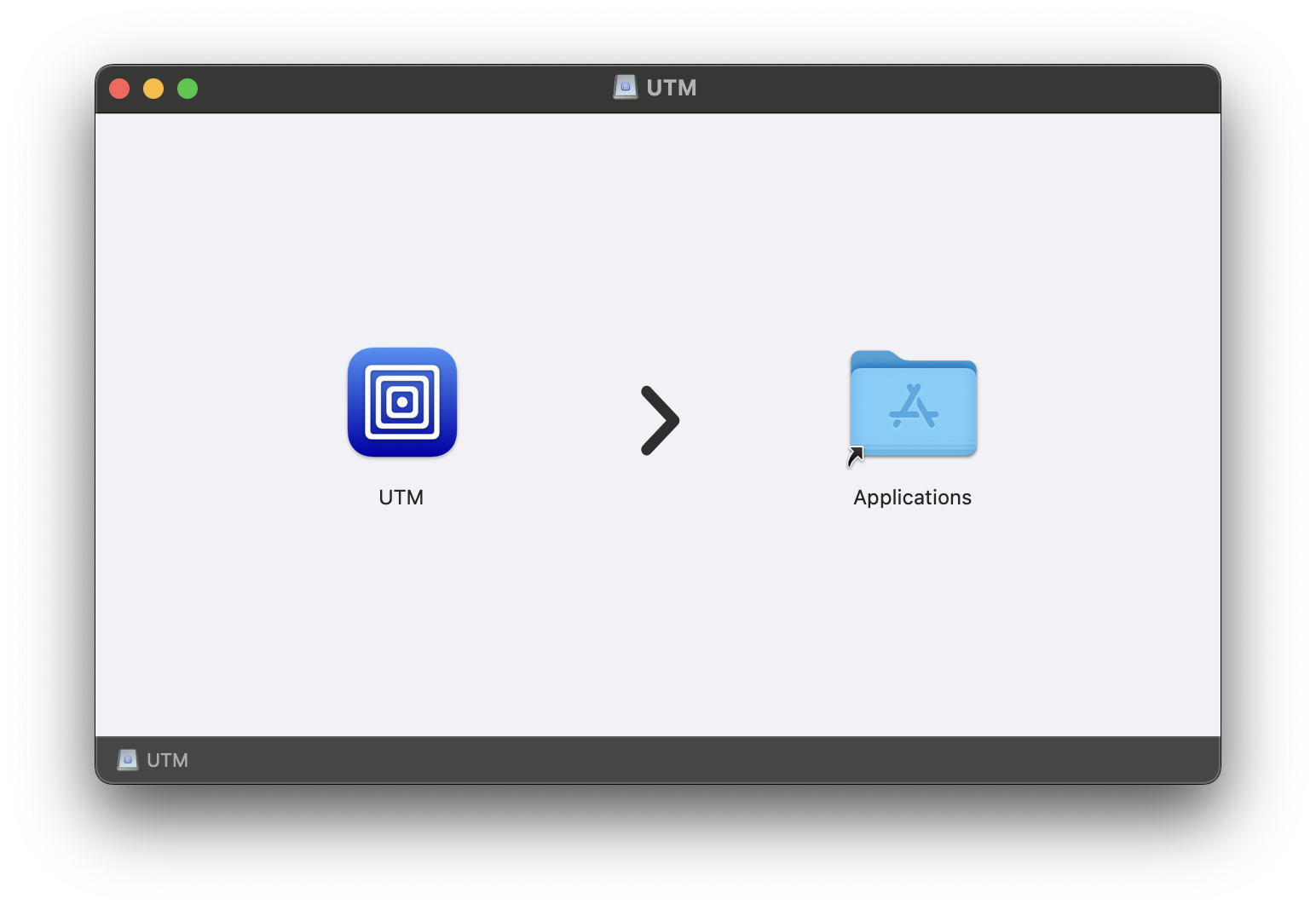
Click here to download the UTM app. Open the .dmg file and drag the UTM app into your Applications folder.

Unfortunately only 2 of the 6 games I tried even load at all. Click on their name to download the file:
There are also these, but I doubt they will work.
Click here to download the emulator file (1.63 GB). After it's downloaded, unzip the package.
You should be able to double click on the downloaded .utm file to launch the emulator. It will take a few minutes to boot.
Just like a real PC, the game disk needs to be "inserted" for the game to play. Click on 'Virtual Machine' in the UTM menu.

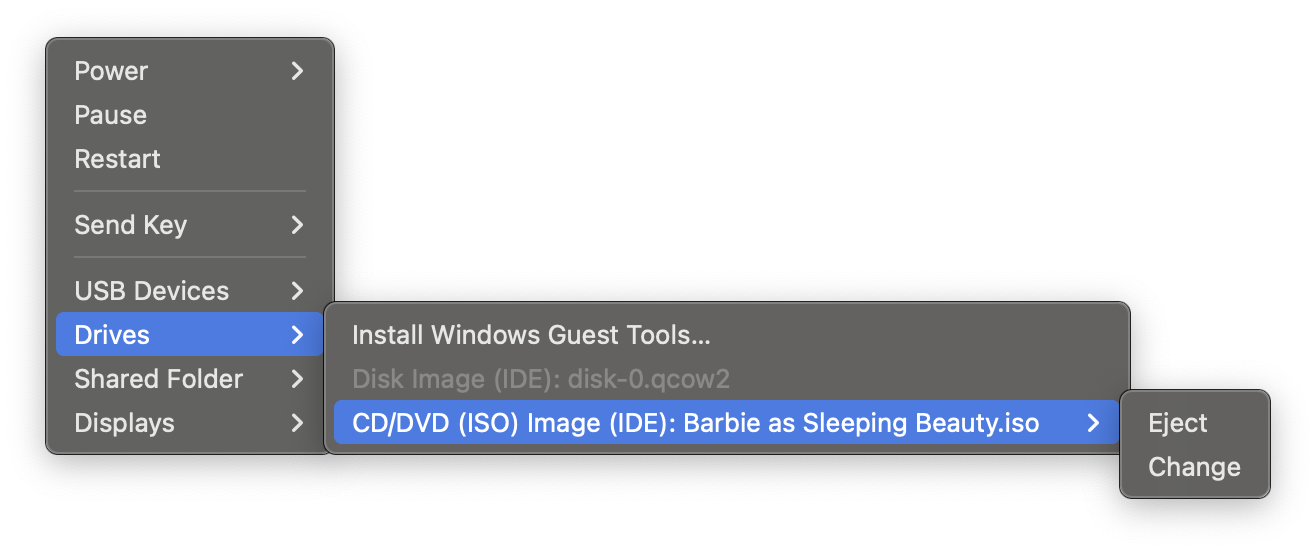
Under 'Drives > CD/DVD (ISO Image) > Change' you can select the .iso file for the game you want to play. Once the disk has been selected, you can double click the game icon from the desktop to launch.

I tried this on my shitty MacBook Air and it was not powerful enough to run any of the games smoothly.
I'm hoping that your laptop is more powerful than mine, but if it's not, I have installed these games on my gaming PC, which should have a much easier time playing them.